Use Cases



 Log in








13.05.2026
info
How to send shift notifications to 500 workers automatically
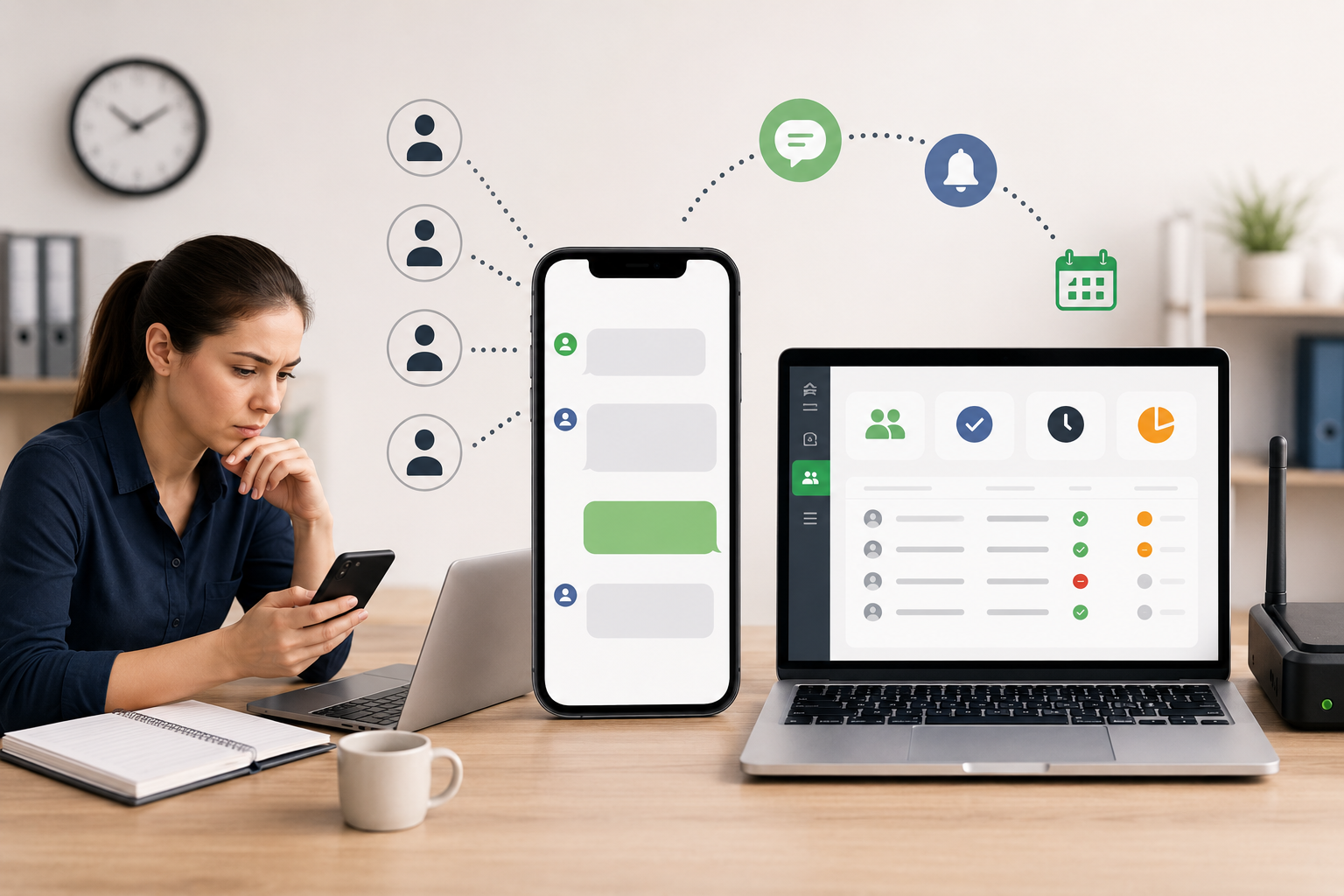
Every staffing coordinator knows the feeling: it's 7am, you have 200 workers starting at different times across five client sites, and you need to notify all of them before their shifts begin.
The "standard" solution is WhatsApp — open a contact, type the name, type the time, send. Move to the next. At 30 seconds per message, 200 workers means 100 minutes. Every single morning.
There's a better way.
Why individual SMS is still the best channel for shift workers
Email doesn't work — many hourly workers don't check it. Group chats are chaos — workers see each other's numbers, questions pile up, coordinators get buried in replies. Push notifications require an app installed on the worker's phone.
SMS works on every phone, no internet required, open rate above 95%. And with a personalized message, workers know exactly what they need to do.
How automated shift notifications work
The setup is simple. You use an Android phone with a local SIM card as an SMS gateway — it stays plugged in at the office, connected to Wi-Fi. A web dashboard lets you upload your schedule and send messages in bulk.
Here's the workflow:
- Upload your daily schedule as a CSV or Excel file — worker name, phone number, shift time
- Set your message template: "[Name]: today you work at [time]. Please reply YES to confirm."
- Click send — all workers receive a personalized SMS within minutes
- Incoming replies (YES/NO) appear in your dashboard in real time
- Workers who didn't reply get flagged for a follow-up call
That's it. What used to take two hours takes three minutes.
Real numbers from a staffing company in Spain
One of our customers manages 4,500 workers across cleaning, logistics, and security contracts in Spain. Before automation, their coordinator spent two hours every morning sending individual WhatsApp messages.
After switching to automated SMS:
- Daily notification time: from 2 hours to 3 minutes
- Workers notified: 4,500 per day
- Reply tracking: live dashboard, updated in real time
- Cost: $38/month flat — no per-message fees
At standard SMS provider rates (Twilio, Vonage), 14,000 messages per month in Spain would cost around $700. Using a local SIM card through an Android gateway, the cost drops to the price of the SIM plan — a few euros per month — plus the software subscription.
Who this works for
Automated shift notifications work for any business with hourly or shift-based workers:
- Temp staffing agencies — notify workers about daily assignments across multiple clients
- Security companies — confirm guard coverage for each post 24 hours in advance
- Cleaning and facility services — route crews to the right sites at the right times
- Logistics and warehouses — fill same-day shift gaps fast
- Hospitality — confirm kitchen and service staff for each service
The common thread: workers who don't have corporate emails, may not have smartphones, but always have a phone that receives SMS.
Setting up in 10 minutes
You need one Android phone (any model, version 8 or higher) and a local SIM card. Install the SmsGateway24 app, connect it to your account, and you're ready to send.
For teams with higher volume, multiple phones can be added — each with its own SIM card, all managed from the same dashboard. A company sending 14,000 messages per day typically uses 10–30 phones running in parallel.
The result
Two hours of manual work, every morning, eliminated. Workers get a personal message with their name and exact shift time. Coordinators see who confirmed and who didn't — without making a single call.
If you manage shift workers and recognize the problem, try SmsGateway24 free for 5 days — no credit card required.
Video Tutorials
View all SMS gateway tutorials
How to Send SMS from Excel Using SIM Card and Sender ID: Step-by-Step Guide
Learn how to easily send SMS f...
How to use Webhooks
1. When an SMS receives any de...
How to Send SMS Messages to Your Clients Using a Regular Phone
In this article, you will lear...
Send and Receive WhatsApp Messages via SmsGateWay24 — Now Available in App Version 13
SmsGateWay24 app version 13 br...
Auto-Translation in Chats: Break the Language Barrier with SmsGateWay24
Your customer writes in Spanis...
SMSGateway24 — new version 13.0.2 is available
SMSGateway24 — new version 13....
New app version is released (12.1.22)
We are pleased to announce the...