



 Log in








Telegram notifications
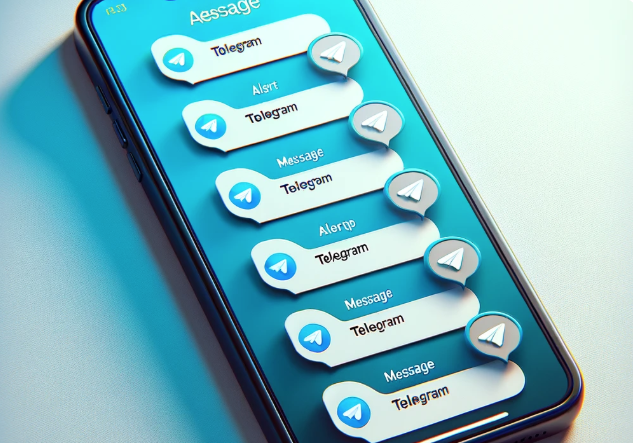
What Are Telegram Notifications in SmsGateWay24
SmsGateWay24 can send real-time notifications directly to your Telegram account whenever important events occur on your gateway — such as when a device goes offline, a message fails to send, or a new incoming SMS arrives. This gives you instant awareness of your gateway's status without needing to log into the web dashboard.
Why Telegram Notifications Are Useful
Instant Device Offline Alerts
When your Android device running SmsGateWay24 loses its internet connection or the app stops sending requests to the server, the system detects this and marks the device as offline. A Telegram notification is sent immediately so you can investigate the issue — whether it's a drained battery, a lost Wi-Fi connection, or the app being killed by Android's battery optimization.
Delivery Failure Alerts
If an SMS fails to send — due to network issues, insufficient SIM credit, or carrier rejection — you can configure SmsGateWay24 to notify you via Telegram. This allows you to take action quickly instead of discovering failures hours later in the delivery report.
Incoming Message Notifications
Receive a Telegram message whenever a new inbound SMS arrives at your device. This is useful for monitoring customer replies, OTP responses, or any other two-way SMS flows without staying on the SmsGateWay24 dashboard.
How to Enable Telegram Notifications
Step 1: Start the SmsGateWay24 Telegram Bot
Open Telegram and search for the official SmsGateWay24 bot. Start a conversation with the bot by clicking Start or sending the /start command.
Step 2: Link Your Account
The bot will provide a verification code or a link. Enter this in your SmsGateWay24 account settings under the Notifications section to link your Telegram account to your gateway account.
Step 3: Configure Notification Types
In the SmsGateWay24 dashboard, choose which events should trigger Telegram notifications. You can enable or disable individual notification types independently: device offline, send failure, incoming message, and others.
Step 4: Test the Connection
Use the "Send test notification" button in the settings to verify that the bot is correctly connected and delivering messages to your Telegram account.
Tips for Getting the Most from Telegram Notifications
- Use a dedicated Telegram account for alerts: If you manage multiple gateways or have a team, consider creating a shared Telegram group where all alerts are posted.
- Adjust notification sensitivity: Not every event needs to generate a notification. Start with offline alerts as a minimum, then add more as needed.
- Keep Telegram notifications turned on: Make sure Telegram push notifications are enabled on your phone so you receive alerts even when the app is in the background.
- Act on offline alerts quickly: A device that has been offline for more than 10–15 minutes may start accumulating a queue of unsent messages. Restore the connection as soon as possible to minimize delivery delays.
Telegram vs Email Notifications
While SmsGateWay24 also supports email notifications, Telegram has several practical advantages: messages arrive faster, Telegram push notifications are highly reliable, and the bot interface allows for potential future interactive features like acknowledging alerts or restarting the device remotely. For operational monitoring, Telegram is generally preferred.
Video Tutorials
View all SMS gateway tutorials